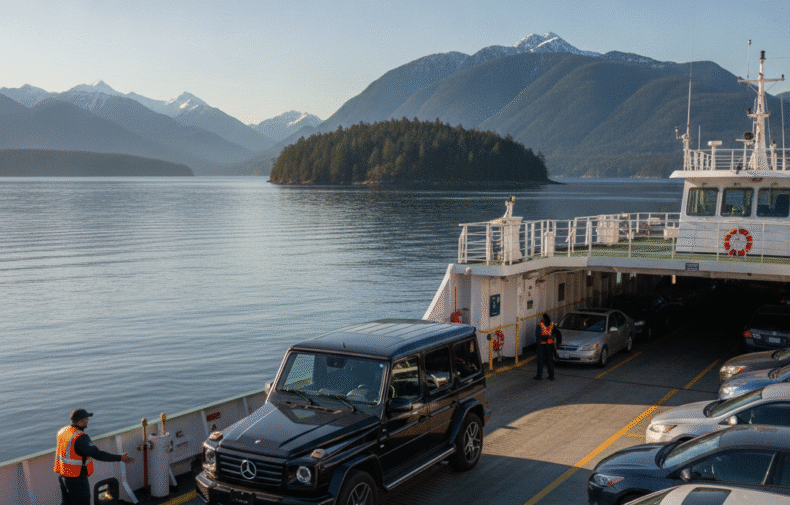
You've booked a Porsche 911, BMW XM, or Mercedes G-Class from Mogestic. The pickup time is set. You're excited — and you should be. But before those keys land in your hand, there are things you should do, things you should bring, and things you should check that will make the difference between a flawless rental and a stressful one.
This is the complete pre-rental checklist for a luxury car in Vancouver. Go through it in the 24 hours before pickup, and your rental day starts clean — no surprises, no confusion, no "I wish I'd known."
Part 1: What to Bring (Do This the Night Before)
The Documents
- Valid driver's license: Must be current and valid for the entire rental period. Learner's permits and temporary licenses are not accepted. For international renters, bring both your home country license and an International Driving Permit (IDP) if your license isn't in English.
- Second piece of government-issued photo ID: Passport is ideal. This is required by most luxury rental companies as a secondary identity verification.
- Proof of insurance: If you're using your own auto insurance policy, bring the declarations page showing your coverage. But call your provider first — most standard policies cap coverage at vehicle values well below a $200,000 Porsche or Mercedes. We'll address this below.
- The credit card you booked with: Must be in your name and match your driver's license. Debit cards are generally not accepted for luxury rental security deposits.
The Insurance Reality Check
This is the step most renters skip — and it's the most important one. Before pickup day, call your insurance provider and your credit card company and ask these two specific questions:
- "Does my policy cover luxury/exotic vehicle rentals, and what is the maximum vehicle value covered?" — Most personal auto policies and premium credit cards cap rental coverage at $50,000 to $100,000. A Porsche 911 starts at $120,000. A BMW XM is over $160,000. Your coverage may not apply.
- "Does my policy include liability coverage for rental vehicles in British Columbia?" — BC has specific insurance requirements. Out-of-province and international policies don't always transfer cleanly.
If your personal insurance doesn't fully cover the rental, Mogestic offers supplemental coverage options. Call (604) 841-0366 before pickup to discuss what you need. This conversation takes five minutes and saves you from discovering gaps after something happens.
The Security Deposit
Luxury car rentals require a refundable security deposit, held on your credit card and released after the vehicle is returned in good condition. The deposit amount varies by vehicle. Confirm the exact amount with Mogestic before pickup day so your card has available credit. If you're at your credit limit or have a low card limit, resolve this 48 hours before pickup — you don't want to fail the deposit hold at the moment of pickup.
Part 2: The Vehicle Inspection (Do This at Pickup)
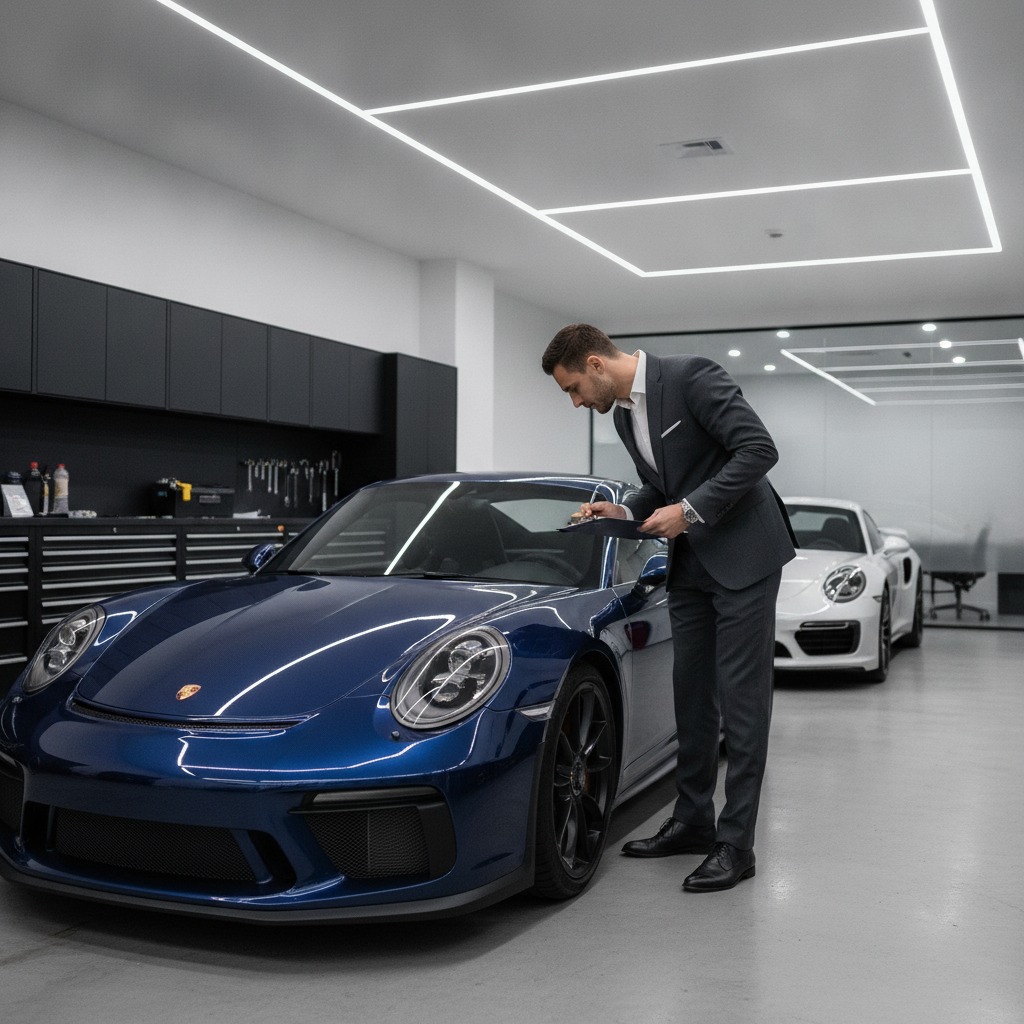
This is the most important section. Spend 10 minutes doing this thoroughly at pickup, and you eliminate the single biggest source of rental disputes: pre-existing damage that wasn't documented.
The Exterior Walkaround
- Take a continuous video walkaround before anything else. Start at the front license plate, walk clockwise around the entire car, and hold your phone at wheel height so you capture the rims, the lower body panels, and the bumpers — the areas most likely to pick up damage. Narrate the video: "July 27, 2026, Porsche 911 pickup, starting exterior inspection."
- Focus on the rims. Curbed wheels are the most common damage on luxury rentals. Each wheel, front and back. If there's even a hairline scratch on a rim, document it with a close-up photo.
- Check the front bumper and lower lip. The Porsche 911 has a low front lip that scrapes on steep driveways. The G-Class has a flat front that can contact tall curbs. Check these areas for existing scrapes and photograph them.
- Check the windshield and windows for chips and cracks. A chip smaller than a dime can spread into a full crack during your rental. If you don't document it at pickup, it becomes your responsibility.
- Check all four tyres. Look for adequate tread depth, proper inflation (pressure readings on the driver's door jamb), and any cuts, bulges, or punctures. Low-profile tyres on the 911 are particularly susceptible to sidewall damage.
- Test all lights: Headlights (high and low beam), taillights, brake lights, turn signals, hazard lights. Have someone watch the rear while you test, or back up to a reflective surface.
The Interior Check
- Start the engine and check the dashboard. Any warning lights? Check engine light? Oil pressure? Tyre pressure warning? If anything is illuminated, report it immediately before driving away.
- Upholstery condition: Check the seats, carpets, and door panels for tears, stains, or burns. Luxury car interiors use Nappa or Merino leather — damage to these surfaces is expensive and commonly disputed.
- Test the infotainment system: Bluetooth pairing, Apple CarPlay / Android Auto, navigation, and audio. If the system isn't working when you leave, you may not be able to get it fixed mid-rental.
- Climate control: Heat, A/C, defroster, heated seats, ventilated seats. In Vancouver, the defroster matters year-round — fogged windows on a rainy highway day are a genuine safety issue.
- Controls familiarization: Power seat adjustments, mirror controls, steering wheel position, and parking brake. The G-Class has a foot-operated parking brake. The 911 has an electronic parking brake button. The XM has drive mode switches on the steering wheel. Know where everything is before you're on the road.
The Under-Hood and Tech Check
- Owner's manual: Should be in the glove compartment. You probably won't need it, but you should know where it is.
- Fluid levels: If the car has a digital oil level check (the 911 does — it's in the instrument cluster menu), verify oil level is normal. For the XM, check the battery charge level on the dashboard display — it should be at or near full at pickup.
- Charging cable (BMW XM): If you're renting the XM, confirm the charging cable is in the vehicle. You may not need it, but you should know whether it's there.
- Spare tyre or tyre repair kit: The 911 may have a tyre sealant kit instead of a spare. Know where it is. The G-Class carries a full-size spare on the rear door.
Part 3: The Paperwork Details (Read Before You Sign)
Key Contract Clauses
- Mileage limit: Luxury rentals typically have a daily kilometre allowance (often 200 km/day). Exceeding this incurs a per-kilometre charge. Confirm your allowance and ask for an extension if your trip plan exceeds it — Mogestic can often adjust this at booking.
- Geographic restrictions: Most Mogestic rentals are for use within British Columbia. Confirm if you're planning a trip that crosses provincial or national borders.
- Fuel policy: Premium fuel (91+ octane) is required for the 911, XM, and G-Class. The vehicle should be returned with a full tank unless otherwise arranged. Save your final fuel receipt — it proves you used the correct grade.
- Return time and location: Confirm the exact return time. Late returns can incur hourly or daily fees. If your flight changes or dinner runs long, call Mogestic at (604) 841-0366 — they're more flexible than a big-chain counter.
- Additional driver policy: If another person will drive, they must be present at pickup to be added to the contract and meet the same requirements (age 25+, valid license, clean record).
Part 4: The Pre-Drive Familiarization (Do This Before Leaving the Lot)
Before you pull into traffic, spend five minutes getting comfortable:
- Adjust your seating position properly: Set the seat height so you can see over the steering wheel. Set the distance so your wrists rest on top of the wheel when your arms are outstretched. This is the correct driving position and it matters more in a 443-horsepower vehicle than a rental Corolla.
- Set your mirrors: Standard procedure: side mirrors should show the road behind, not the side of your car. The rearview mirror should cover the center. In the G-Class, the rear blind spots are larger than you expect — adjust the mirrors accordingly.
- Pair your phone: Bluetooth pairing before you drive means you're not fumbling with the infotainment system at the first stoplight. Apple CarPlay and Android Auto are standard on all Mogestic vehicles.
- Set driving mode to Normal: Start in the car's most comfortable, predictable mode. Switch to Sport or Sport Plus once you're on open road and familiar with the vehicle.
- Take a 2-minute test drive around the block: Accelerate gently, brake firmly, turn sharply. Listen for unusual sounds. Feel for unusual vibrations. This is your chance to catch anything before you're 50 kilometres from the pickup location.
The Quick Reference Checklist
| Step | When | What |
|---|---|---|
| 1 | 48 hours before | Confirm insurance coverage with provider and credit card company |
| 2 | 24 hours before | Ensure credit card has available balance for deposit hold |
| 3 | Night before | Gather documents: license, second ID, insurance docs, credit card |
| 4 | At pickup | Walkaround video + close-up photos of rims, bumpers, glass |
| 5 | At pickup | Interior check: upholstery, infotainment, climate, warning lights |
| 6 | At pickup | Fluid levels, owner's manual, charging cable (XM) or spare/kit location |
| 7 | Before signing | Confirm mileage limit, fuel policy, return time, geographic restrictions |
| 8 | Before driving | Adjust seat, mirrors, pair phone, set mode, short test drive |
Frequently Asked Questions
What if I find damage during the inspection that wasn't noted in the contract?
Take photos, show it to the Mogestic representative immediately, and have it noted in the rental agreement before you sign. Don't accept "it's fine, don't worry about it" as a verbal response — it needs to be written down. Mogestic's team is thorough and professional about this, so the conversation should be straightforward.
Do I really need to do a walkaround video?
Yes. It takes 60 seconds and it's your single strongest piece of evidence if there's ever a dispute about pre-existing damage. A continuous, narrated video with timestamps is hard to argue with. Do it even if the rental company does their own inspection — cover yourself.
What if my personal insurance doesn't cover luxury car rentals?
Mogestic offers supplemental insurance options. Call (604) 841-0366 before pickup to discuss coverage levels and pricing. It's typically available as a daily add-on. Don't rent a $200,000 vehicle without confirmed coverage — the financial exposure is not worth the savings.
Can I use a debit card for the security deposit?
No. A major credit card in your name is required. The deposit must be held on a credit card, and the available balance must cover the full deposit amount. Debit cards and cash are not accepted for luxury rental deposits.
What's the minimum age to rent from Mogestic?
Luxury car rental in Vancouver typically requires drivers to be 25 or older with a clean driving record. Call (604) 841-0366 to confirm Mogestic's specific age requirements for the vehicle you're booking.
What if I'm picking up at YVR and don't have a chance to do a detailed inspection?
Mogestic delivers the vehicle to you at the terminal — you'll have time to do the inspection right there. If you're rushed, do the minimum: a video walkaround (60 seconds), rim photos, and a dashboard warning light check. You can do the full interior check at your first stop. The exterior documentation is what matters most.
The Bottom Line
A luxury car rental from Mogestic is designed to be seamless — but seamless doesn't mean you skip the checklist. Spend 15 minutes on the steps above, and your rental day is free of surprises. The key items: confirm your insurance, take the walkaround video, check the rims and bumpers, set your driving position, and start in Normal mode.
Skip anything on this list, and the risk shifts from Mogestic to you. Don't skip anything.
Book your next rental at (604) 841-0366 or visit mogestic.com.
Related posts
 04Sep, 26
 BMW XM vs Porsche 911 in Vancouver: Which One Books Your Day (2026)
 04Sep, 26